Apps & Consumer
Apple's iOS 27 includes several unannounced features
Apple's iOS 27 update introduces several minor, unannounced features, including full-screen widgets and improved volume controls, aimed at enhancing everyday iPhone usability.
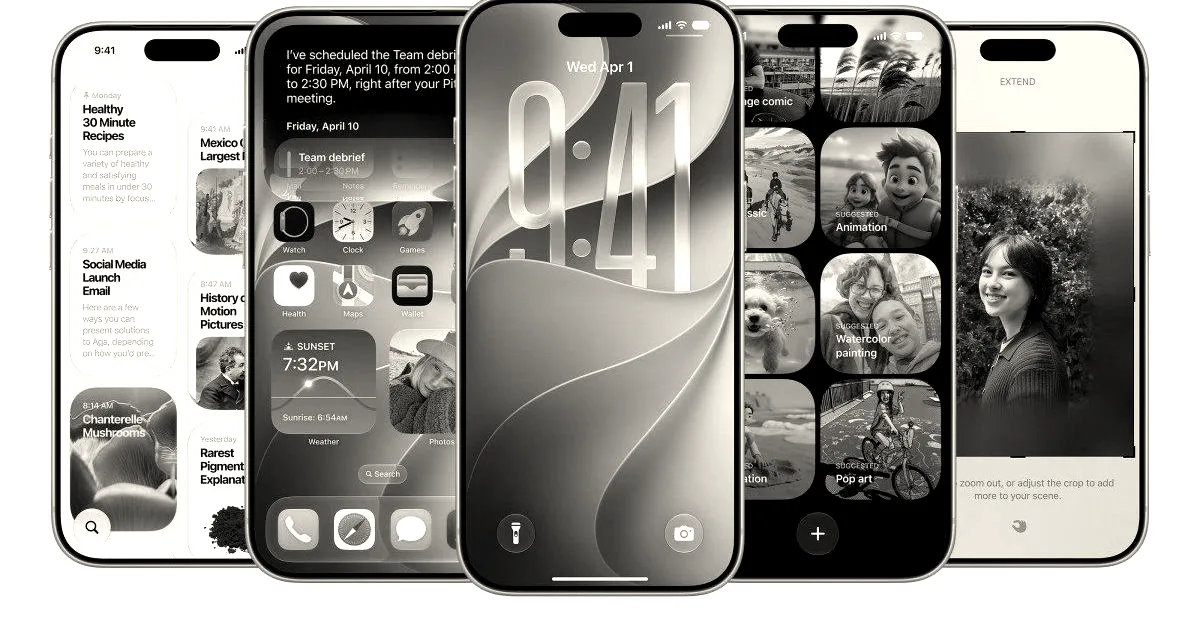
During Apple’s Worldwide Developers Conference (WWDC 2026), the company’s new Siri AI assistant took center stage. However, the accompanying mobile operating system update, iOS 27, contains a suite of practical, minor features that Apple did not highlight during its main keynote presentation. These unannounced additions focus on refining the day-to-day user experience through interface adjustments and utility upgrades.
Among the primary user interface and productivity enhancements, iOS 27 now allows users to place full-screen widgets directly on the home screen to make scanning information easier. Additionally, the update introduces more granular audio management, letting users set separate volume levels for alarms, timers, alerts, and system sounds. Apple is also introducing an easier method for copying and pasting text or images between applications, providing a dedicated option on the keyboard to paste content when it is detected in the clipboard.
The update extends to several core applications and services. The Weather app receives a design update featuring a new highlights section to surface notable upcoming events and improved view switching between conditions, precipitation, and wind. In the Messages app, users can now customize the interface to show or hide the voice recording and dictation buttons, and a new Drawing option has been added for sketching notes or diagrams to send to others. For photography, the camera controls are being overhauled to provide easier access to depth, grid, and level options. The emoji keyboard also includes a small scroll bar at the bottom, while the Timer app features a new slider user interface when activated from the control center.
System-level services also receive functional updates. In Find My, Apple’s location tracking service, users can now hide their location from specific people for a set period of time without triggering a notification. The Wallet app allows users to create custom passes, and iCloud now supports the manual syncing of files, photos, and health data. For drivers, CarPlay, Apple’s in-car software interface, now includes an audio scrubbing option, a feature first discovered by a user on the social platform Reddit. Finally, the Calendar application can now detect holidays and prompt users regarding their scheduled alarms.
Why it matters
While the headline-grabbing AI features dominated the WWDC keynote, these granular updates demonstrate Apple’s continued focus on refining the day-to-day user experience across its ecosystem.